
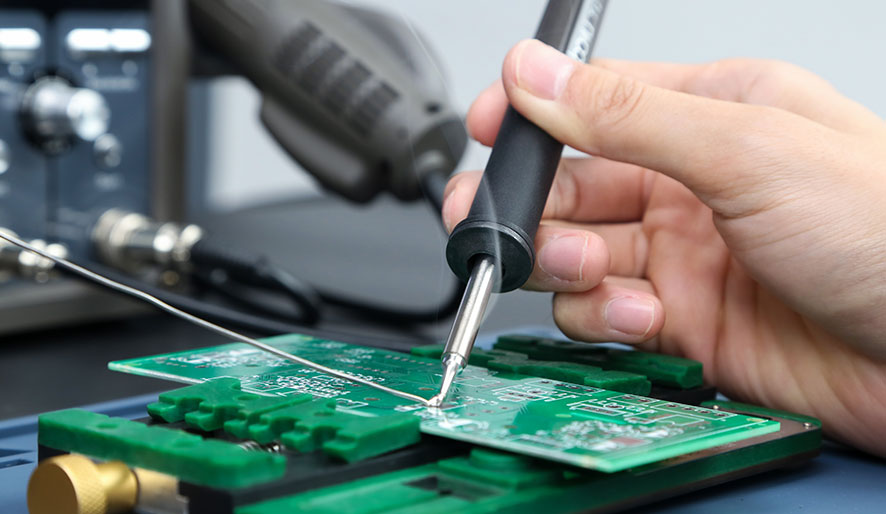
If the soldering iron fails to reach the appropriate temperature, it may even damage simple projects. Whether you are striving to melt lead-free solder or dealing with precision electronic products, insufficient heat often leads to overlooked problems. This guide identifies the common causes and repair methods for restoring the performance of tools.
A weak or unstable power supply is a common culprit.
Symptoms: The iron heats up slowly, the temperature is unstable, or it is accidentally turned off.
How To Fix:
Cause: Low voltage or power interruption prevents the soldering iron from reaching its peak temperature. Baku’s industrial-grade power supplies are specifically designed for high-performance tools.
Over time, the heating element will degrade, thereby reducing efficiency.
Symptoms: The iron takes longer to heat up or has difficulty maintaining its temperature during use.
How To Fix:
Cause: Frequent use, voltage peaks or physical damage can all shorten the service life of components. The modular design of Baku ensures a long service life.
A malfunction of the thermostat or controller can disrupt heat regulation.
Symptoms: Inconsistent temperature readings, overheating at low Settings, or failure to start.
How To Fix:
Cause: Dust, debris or corrosion inside the controller may lead to unstable behavior. The T12 model of Baku includes an accurate thermostat to enhance reliability.
Loose or corroded connections will prevent the effective transfer of heat.
Symptom: The fingertips feel cold or unevenly heated.
How To Fix:
Cause: Vibration or moisture during use can cause the connection to loosen over time. The ergonomic handle of Baku reduces vibration and ensures stable performance.
Excessive air flow or low temperature can make the iron cold.
Symptom: In poorly ventilated areas or cold rooms, it is difficult for the iron to retain heat.
How To Fix:
Cause: the cold ambient temperature forces iron to work harder, shortening its lifespan.
A soldering iron lacking sufficient heat usually indicates some minor issues, such as power supply problems or tip neglect. By addressing these root causes and conducting regular maintenance, you can restore performance and avoid costly repairs. For persistent issues, Baku’s engineering team offers expert support and warranty services.
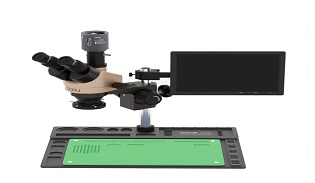
Stereo Microscope Price Guide: What Affects the Cost?
Discover what affects the price of a stereo microscope, including magnification, optical quality, digital features, lighting systems, and build materials. Learn how to choose the right model for electronics repair and precision inspection.
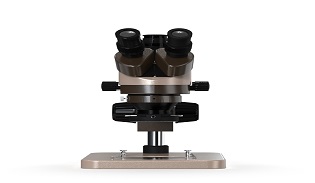
Stereo Microscope Uses: From Science Labs to Electronics Repair
Discover the key applications of stereo microscopes in biology labs, education, micro-soldering, and PCB repair. Learn how 3D magnification improves precision for scientific research and electronics technicians.
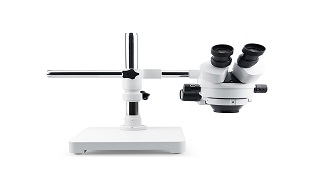
Best Stereo Microscope for PCB, Jewelry, and Laboratory Use
Discover the best stereo microscope for PCB repair, jewelry inspection, and laboratory research. Learn essential features, magnification tips, and top professional recommendations.
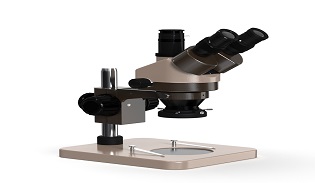
Industrial Stereo Microscope Applications in Electronics and Manufacturing
Discover how industrial stereo microscopes enhance precision in electronics, PCB inspection, micro-assembly, and manufacturing quality control. Learn key applications and benefits.
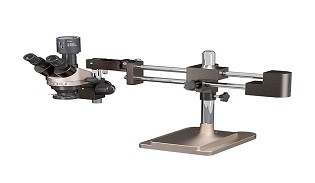
Compound vs Stereo Microscope: What’s the Difference?
Discover the main differences between compound and stereo microscopes, including magnification, applications, and working distance. Choose the right microscope for your needs.
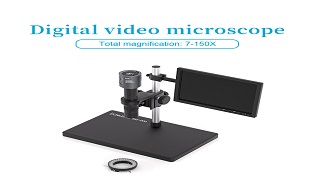
What Is a Stereo Microscope? Key Features and Functions Explained
Learn what a stereo microscope is, how it works, key features, and its uses in electronics repair, manufacturing, and scientific inspection. A complete beginner-friendly guide.

STAY CONNECTED